

Comparison
Lasso vs Microsoft Copilot in Excel
Copilot in Excel boosts spreadsheet productivity. Lasso is designed for end-to-end ecommerce listing operations across teams and channels.
Schema complexity across categories
Lasso: Handles category-specific rules as a core workflow
Microsoft Copilot in Excel: Possible in sheets, but often formula-heavy and hard to maintain
Catalog team collaboration
Lasso: Workflow states for enrich, review, approve and publish
Microsoft Copilot in Excel: Collaboration relies on file sharing and process discipline
From raw data to live listings
Lasso: Built around catalog outcomes and channel exports
Microsoft Copilot in Excel: Excel-first productivity; requires additional stack for full listing pipeline
| Feature comparison | Lasso | Microsoft Copilot in Excel |
|---|---|---|
| Schema complexity across categories | Handles category-specific rules as a core workflow | Possible in sheets, but often formula-heavy and hard to maintain |
| Catalog team collaboration | Workflow states for enrich, review, approve and publish | Collaboration relies on file sharing and process discipline |
| From raw data to live listings | Built around catalog outcomes and channel exports | Excel-first productivity; requires additional stack for full listing pipeline |
Why ecommerce teams choose Lasso
- Purpose-built ecommerce data workflows
- Category schemas and attribute normalization at scale
- Publishing orientation, not only spreadsheet assistance
Where Microsoft Copilot in Excel can be useful
- Convenient inside Microsoft 365 stack
- Strong for formula, pivot, and analysis support
- Good for teams already centered around Excel
AI built for your ecommerce workflow
From raw files to published product cards. One workflow for import, enrichment and publishing.
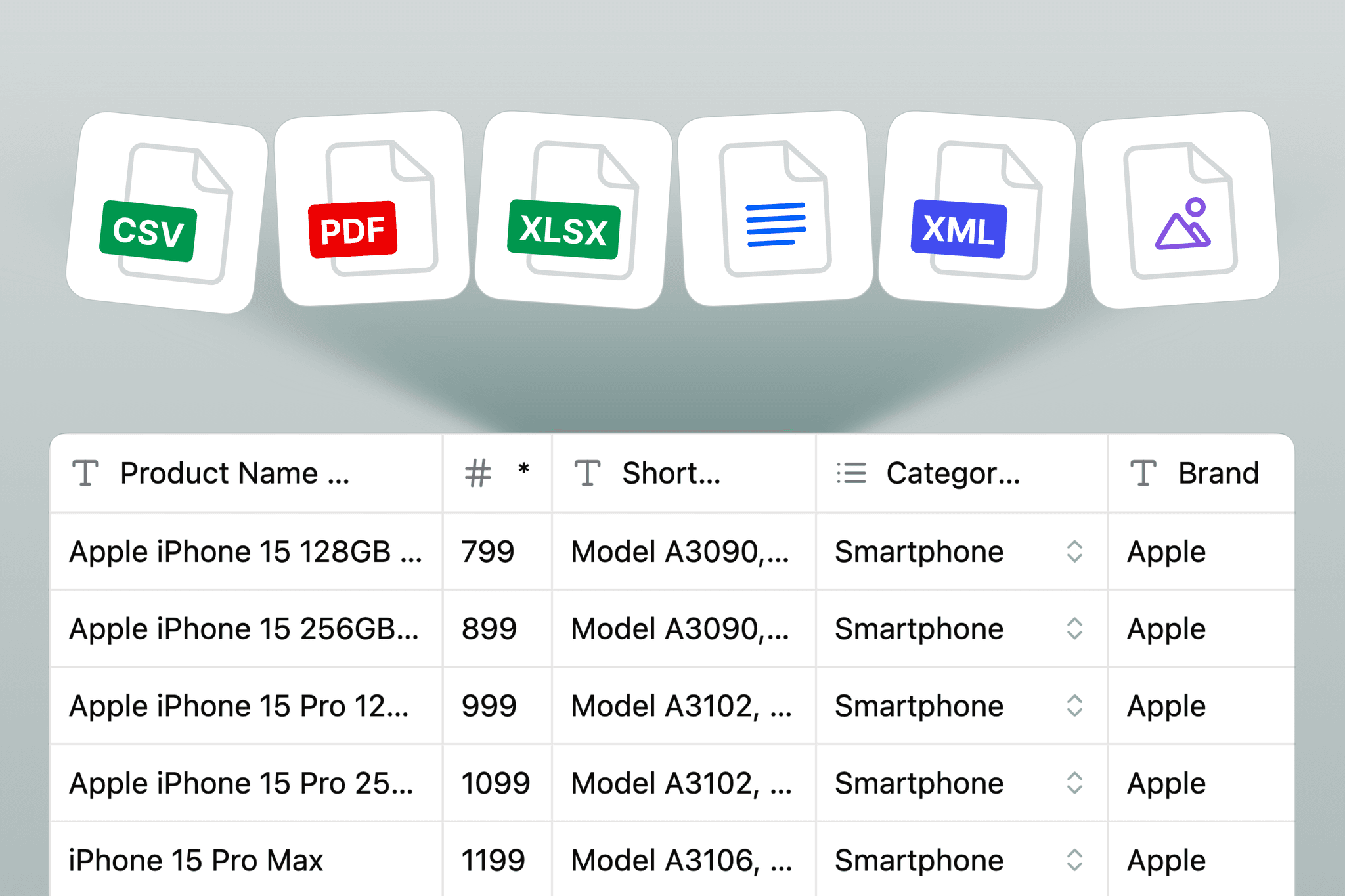
Data Import & Mapping
Import CSV, XLSX, XML or supplier exports and map fields to your product schema automatically.
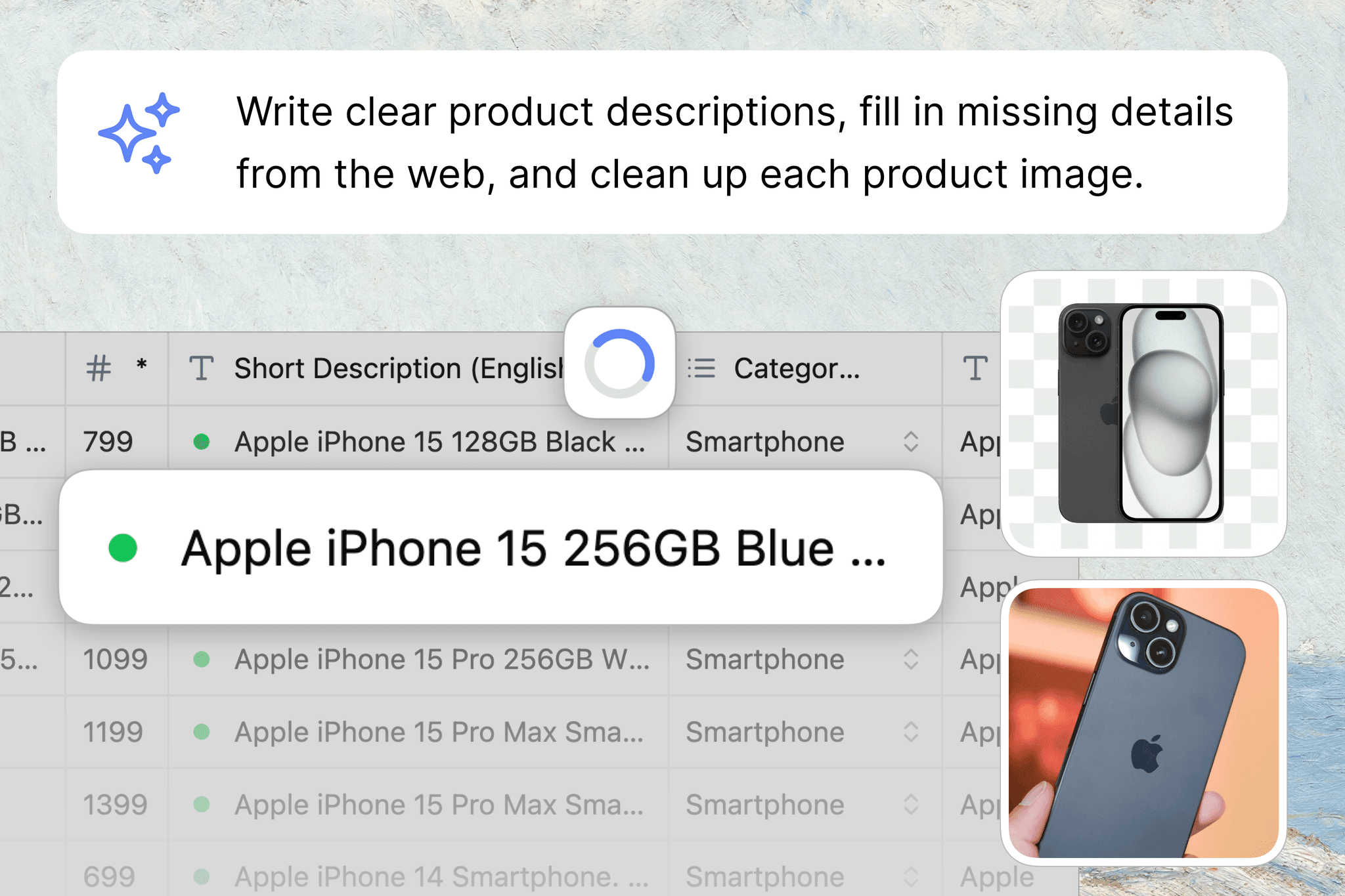
Search, Generate, Enrich Listings
Fill missing attributes, generate localized content, and standardize product data for every sales channel.
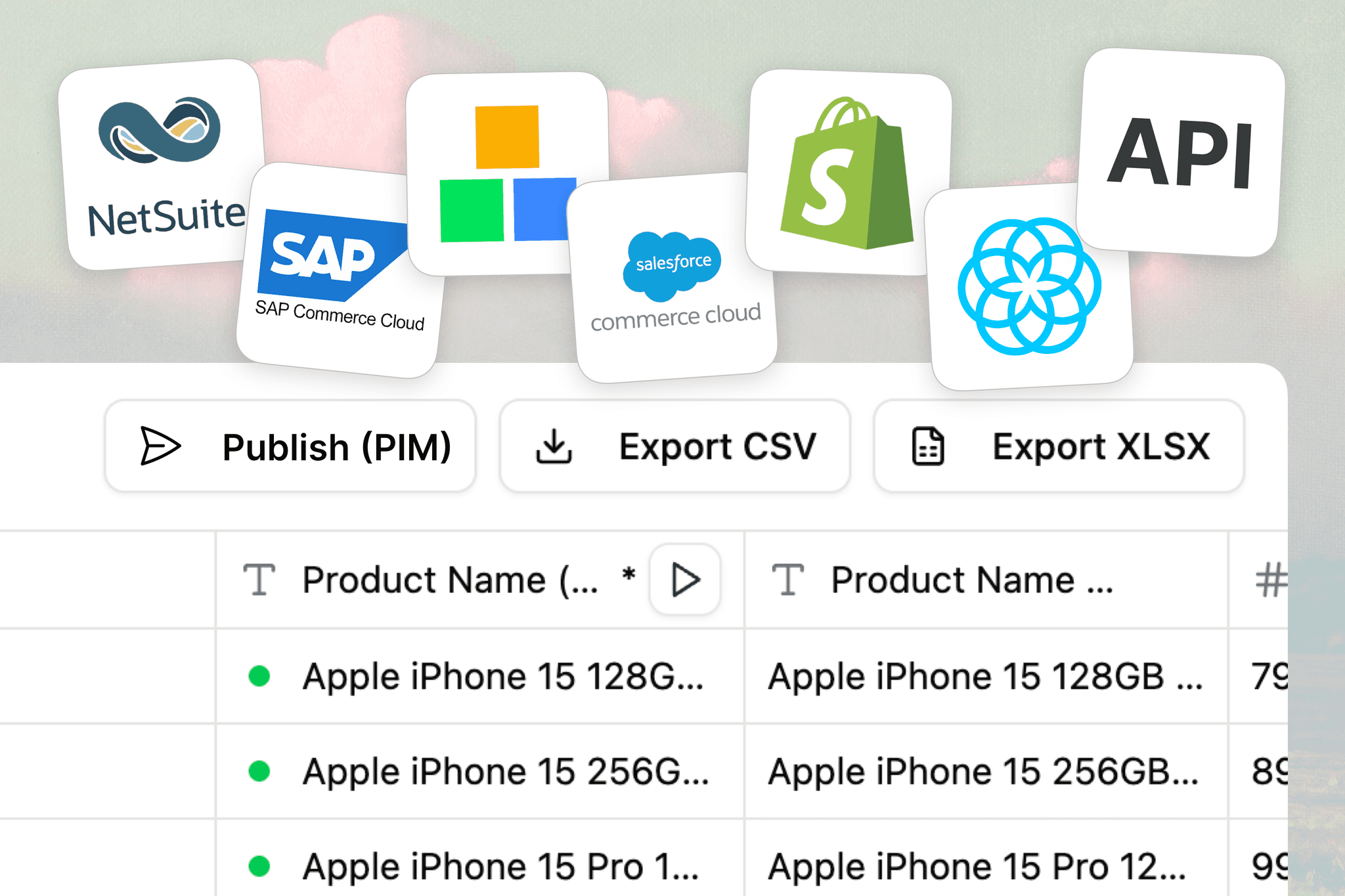
Review & Publish
Review changes with your team, approve in bulk, then publish or sync to PIM, ERP, and ecommerce platforms.
Want a direct comparison on your own product feed?
Book a demo to see how Lasso complements or replaces heavy Excel listing workflows.
Detailed analysis: Lasso vs Microsoft Copilot in Excel
Product snapshot
Copilot in Excel improves productivity in familiar Microsoft tooling. It is excellent for formula and analysis support, but ecommerce listing operations often require workflow layers beyond spreadsheets.
Where this product excels
- Excel-native teams in Microsoft 365
- Quick formula/pivot assistance
- Operational reporting and data checks
Where ecommerce teams hit limits
- Spreadsheet-first process still needs external listing workflow
- No ecommerce-native publish pipeline
- Complex category logic remains hard to govern
Decision framework for your team
- Choose Copilot if your goal is better spreadsheet productivity.
- Choose Lasso if your goal is operational catalog quality.
- Use Copilot for analysis and Lasso for production execution.
Deep operational comparison
MS Copilot in Excel is excellent when your primary challenge is spreadsheet productivity: summarizing ranges, generating formulas, and assisting analysts in familiar tooling.
For ecommerce listing teams, the challenge is broader than spreadsheet speed. Teams need category logic, controlled enrichment, reviewer accountability, and reliable publishing outputs for stores, marketplaces, and internal systems.
Lasso addresses those needs as a dedicated product-data platform. It can still coexist with Excel for analysis, but it removes the operational burden of treating spreadsheets as the system of record for large-scale ecommerce listing operations.