

Supplier Product Data: Why Every File Is Different and What to Do
 Marek Klenotic
Published
One supplier sends XML, another a PDF catalog, a third a Word sheet per product. Here is what goes wrong in each format, which habits help, and a simple pilot of 10 to 20 products for your next supplier file.

Supplier product data: why every file looks different
If you sell products from more than ten suppliers, you know the pattern. One sends an XML feed. One sends an Excel price list with merged cells. One sends a PDF catalog. One sends a Word document per product, with the specs written as a paragraph. Supplier product data almost never arrives in the shape your e-shop needs.
This is not because suppliers are careless. Each file was made for a different job:
- The XML feed was built for a price comparison site or for the supplier's own shop, so it follows their categories, not yours.
- The Excel price list was built for a buyer who wants prices and stock, so specs sit in a single "Description" column or are missing.
- The PDF catalog was built to be printed. The table looks clean on paper, but when you copy it, rows break and units end up in the wrong cell.
- The Word product sheet was built for a sales rep. It reads well and gives your shop filters very little to work with.
So the real work is not "importing a file". It is turning four kinds of documents into one product structure. This guide shows what goes wrong in each format, what you can fix with habits, and where tools like Lasso help. We already wrote about merging several supplier catalogs into one structure and about validation rules for supplier data. This article aims to explain the topic even one step earlier: the moment the file lands in your inbox.
What actually goes wrong in each file type
Here is what we see most often in real supplier files. The examples are made up, but the problems are not.
XML feeds
- Parameters packed into one field:
<PARAM>Rozměr: 45x60x90 cm; Barva: antracit</PARAM>instead of separate size and colour. - Categories in the supplier's tree, such as
Zahrada | Nábytek | Židle, which never match yours one to one. - Images as links that expire or point to a 300 px thumbnail.
Excel and CSV price lists
- Column names that change between deliveries:
EANin March,EAN kódin April,Barcodein May. - Units mixed inside one column:
45 cm,0,45 m,450mm. - Decimal commas and dots in the same file, so
1,250can mean one and a quarter or one thousand two hundred and fifty. - Merged header cells and a second header row, which break any import tool that expects one row of column names.
PDF catalogs and technical sheets
- Tables that span two pages, so the second half of the rows loses its column headings.
- Values in footnotes ("all dimensions in mm unless stated").
- Several product variants in one table, with the shared values written only once.
Word documents
- Everything in prose: "Powder-coated steel frame, colour anthracite, seat height 45 cm, max load 120 kg."
- Marketing text mixed with facts, so you have to decide what is a parameter and what is a claim.
Every one of these needs a person to read it, decide what it means and type it into the right column. That is why a new supplier can take days before the first product goes live.
One product, two shapes
Here is the same made-up garden chair as a supplier sent it and as your shop needs it.
What the supplier Excel row looks like:
| Kód | Název | Popis | Cena bez DPH |
|---|---|---|---|
| LN-01 | Židle LUNA antracit | ocel, 45x60x90, nosnost 120kg, sedák 45 cm | 1 250,00 |
What your target structure needs:
| Field | Value |
|---|---|
| Product code | LN-01 |
| Name | Garden chair LUNA |
| Colour | Anthracite |
| Material | Powder-coated steel |
| Width x depth x height (cm) | 45 x 60 x 90 |
| Seat height (cm) | 45 |
| Max load (kg) | 120 |
| EAN | missing |
Four of your fields were hidden in one "Popis" cell. The colour was in the name. The material is only partly there ("ocel" says steel, not powder-coated), and the EAN is not in the file at all. Multiply that by 800 rows and you see where a week goes.
Habits that help with any tool
Before you change software, a few habits cut the cleanup a lot.
-
Write down the required fields per product family. A chair needs seat height, material and max load. A lamp needs socket type, wattage and IP rating. If the list exists, you see what is missing the moment a file arrives.
-
Keep one target structure per product family. Decide the column names, units and allowed values once. "Colour" is a list of 12 values, not free text. Height is always in cm.
-
Ask your main suppliers for one template. It helps, but expect only some of them to use it, and expect them to change it without telling you.
-
Name one person who asks suppliers for missing data. One channel, one owner, one list of open questions per supplier. Otherwise the same question gets asked three times by email.
-
Keep the original file. When a value looks wrong later, you want to see what the supplier actually sent.
-
Keep a short log per supplier. Which format they send, which columns change, which fields are usually missing, and who to ask. After three deliveries you will know which supplier costs you the most time.
These are system changes, and system changes are hard. They do not remove the work, but they make it predictable, so you can see where the hours go. An interactive tool steers you in the right direction from the start.
Where AI helps in your process
The slow part of supplier data is reading. A person opens the PDF, finds the table, works out that "V" means height, converts mm to cm and types the number in. This is the kind of work AI handles well, as long as you give it a clear target.
Three things make the difference, whatever tool you use:
- Give the AI your rules. If "anthracite" and "dark grey" should be the same colour in your shop, write it down once. The clearer your target structure, the better the result.
- Review the pilot, then trust the process. On 10 to 20 products you can read every field. Once those are right, you know what to look at on the next 2,000: EAN, dimensions, price.
- Spend your time on better data, not retyping. Let validation flag what is missing or wrong, and put your effort into getting better data. If a value is not in the file and not on the supplier's website, an empty field and one clear question to the supplier beat a guess.
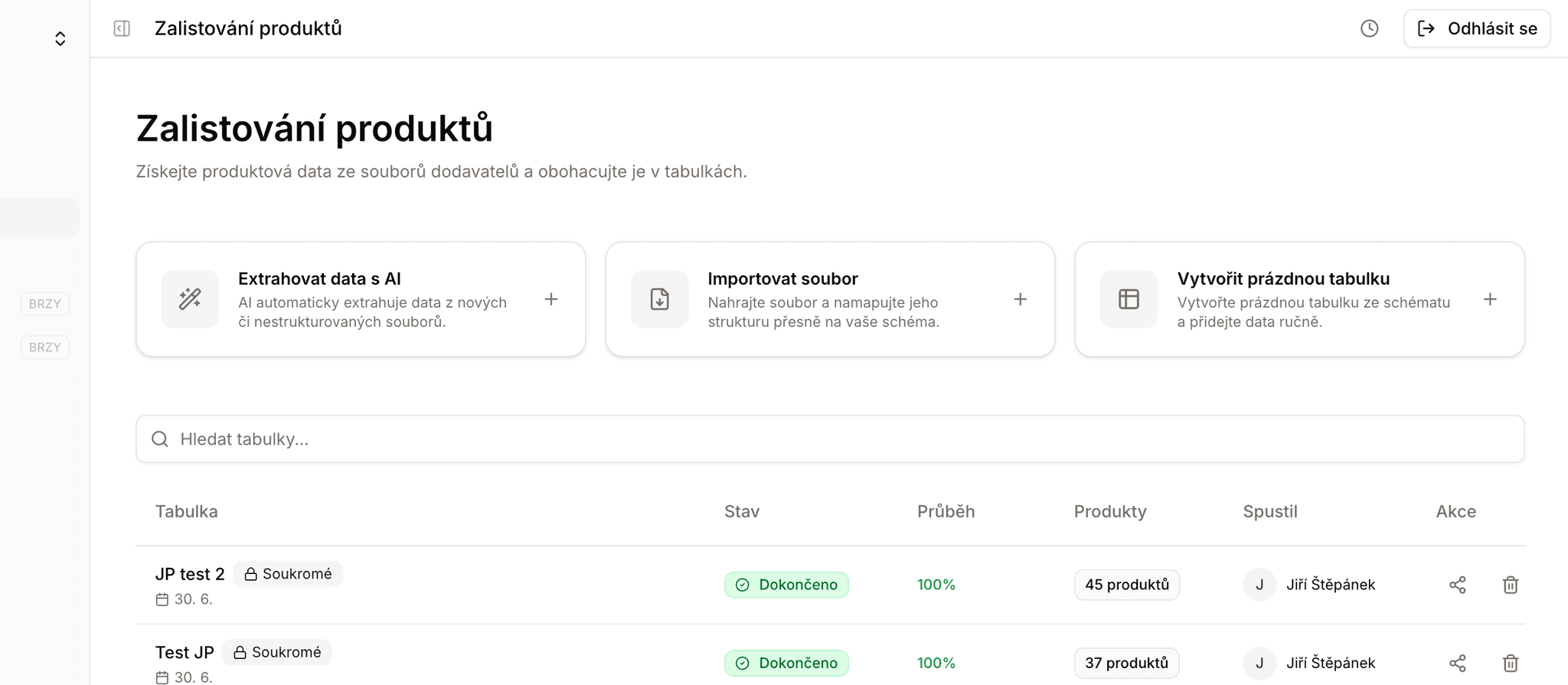
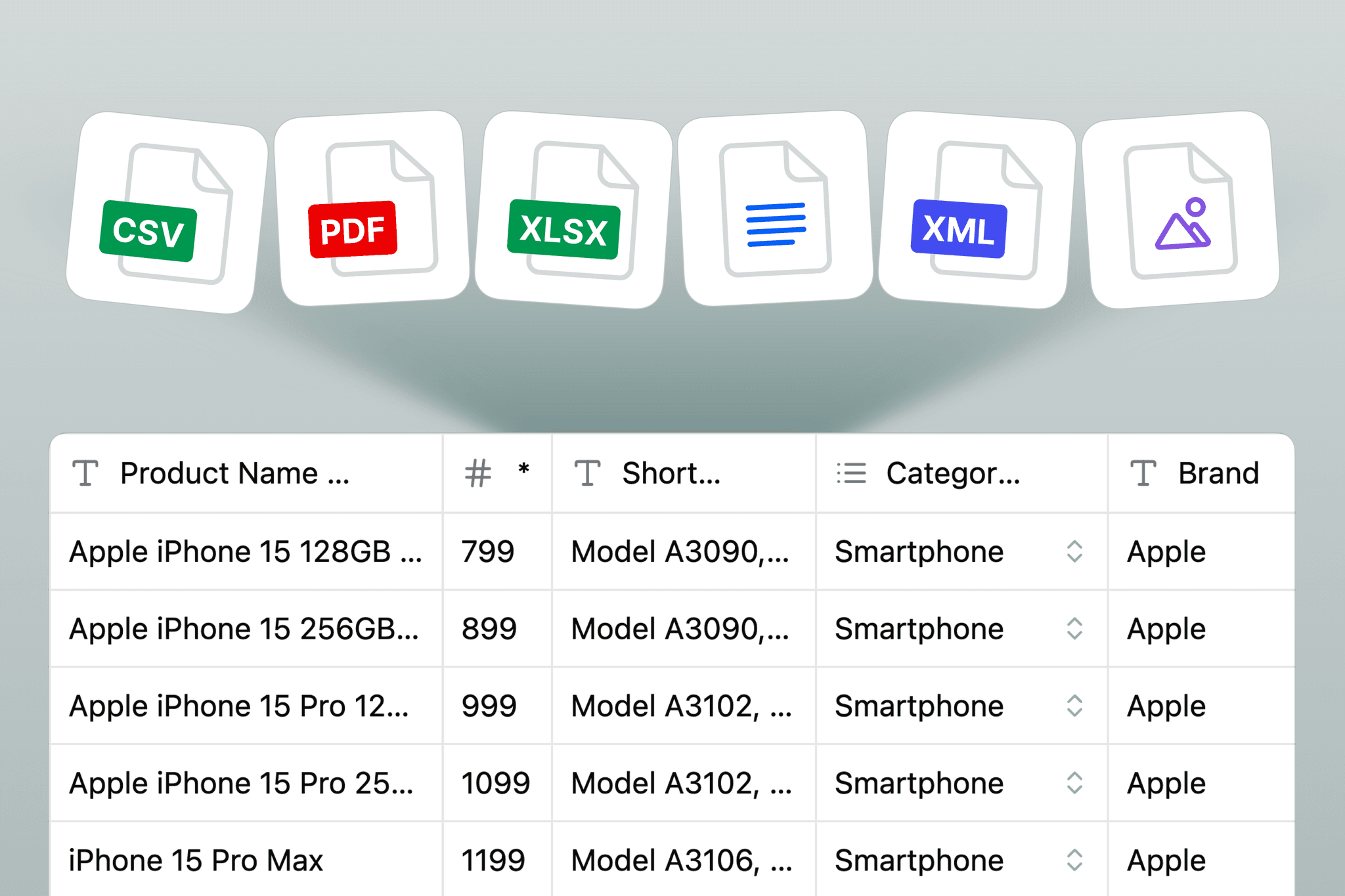
This is where Lasso does the heavy lifting. You upload all of a supplier's files in one job: Excel, CSV, XML, Word, PowerPoint, HTML, text files and product photos, with PDF supported in beta. You pick the target structure of your e-shop, and the AI maps the supplier's differently named columns to it and joins sheets and files on shared product codes. When the same supplier layout comes back next month, you get the mapping you saved last time. Empty fields can be filled from the supplier's own website, and images embedded in Excel and Word files come along with the products.
Everything lands in an editable table, so your pilot review happens in one place. When you sync to the Catalog, products are matched on one unique ID such as SKU or EAN, and "fill empty values" adds the new data without overwriting what your team already fixed. Before anything is written, you see a preview with any validation errors. From the Catalog, the products go to your shop as an export file or a product feed.
A simple workflow for your next supplier file
Here is a workflow you can try on the next file you get, with or without a tool. If you use Lasso, our interactive setup guide helps you get this done in no time.
- Pick 10 to 20 products from one supplier and one product family. Small enough to check by hand.
- Write the target structure for that family: field names, units, allowed values, which fields are required.
- Map the supplier's columns or sections to your fields. Note every case where one supplier field holds two of yours, or the other way round.
- Fill the gaps from the supplier's website or with AI, and mark which values came from where.
- Check every product in the pilot. Count how many fields were right, wrong or empty. That number tells you how much you can trust the same process on the next 2,000 products.
- Export in the format your shop imports, for example a CSV or XLSX file you load with your e-shop's own import, or a product feed for Heureka, Zboží.cz or Google Merchant Center. Check the preview before you import.
What to measure in the pilot
Keep it to three numbers per pilot:
- Share of fields filled correctly on the first pass, before anyone fixes anything.
- Share of fields left empty, and whether the supplier or their website has the value at all.
- Time from file received to products ready to import, including the time spent asking the supplier.
Write the numbers down next to the supplier's name. The next time that supplier sends a file, you can compare. If one supplier always scores badly, that is a good reason to ask them for a different format, or to spend your template effort on them first.
If the pilot works, run the rest of the supplier's catalog the same way. If it does not, you have lost an afternoon, not a month. For more on getting products live faster after this step, see time to market for product listings.
Try it on one supplier file
Pick the supplier file your team dreads the most and run a small pilot of 10 to 20 products. Lasso has a free plan with no card needed, so you can run the pilot on your own file. You can try Lasso free, no card needed, or see how other teams work in our use cases. If you get stuck, our team answers in the chat on the site.